CIT Computer Course – Basic to Advanced Computer Training
This Computer Course is designed to help students build strong basic to intermediate computer skills in a simple and practical way. In this course, you will learn how to use a computer confidently, work with MS Office (Word, Excel, PowerPoint), browse the internet effectively, manage files, and understand essential digital tools used in daily life and office work. The course is focused on hands-on practice so learners can easily understand each topic and apply it in real situations. Whether you are a student, beginner, or someone looking to improve job or freelancing skills, this course will help you become more confident and productive in the digital world.
Learn to build and manage a complete ecommerce website using modern tools:
Computer Basics: Learn how to operate a computer, understand hardware and software, and perform daily tasks with confidence.
MS Word Skills: Learn to create, edit, and format professional documents like letters, reports, and assignments.
MS Excel Skills: Understand spreadsheets, formulas, calculations, and data management for office work.
MS PowerPoint: Create professional presentations with slides, design tools, animations, and visuals for study or business.
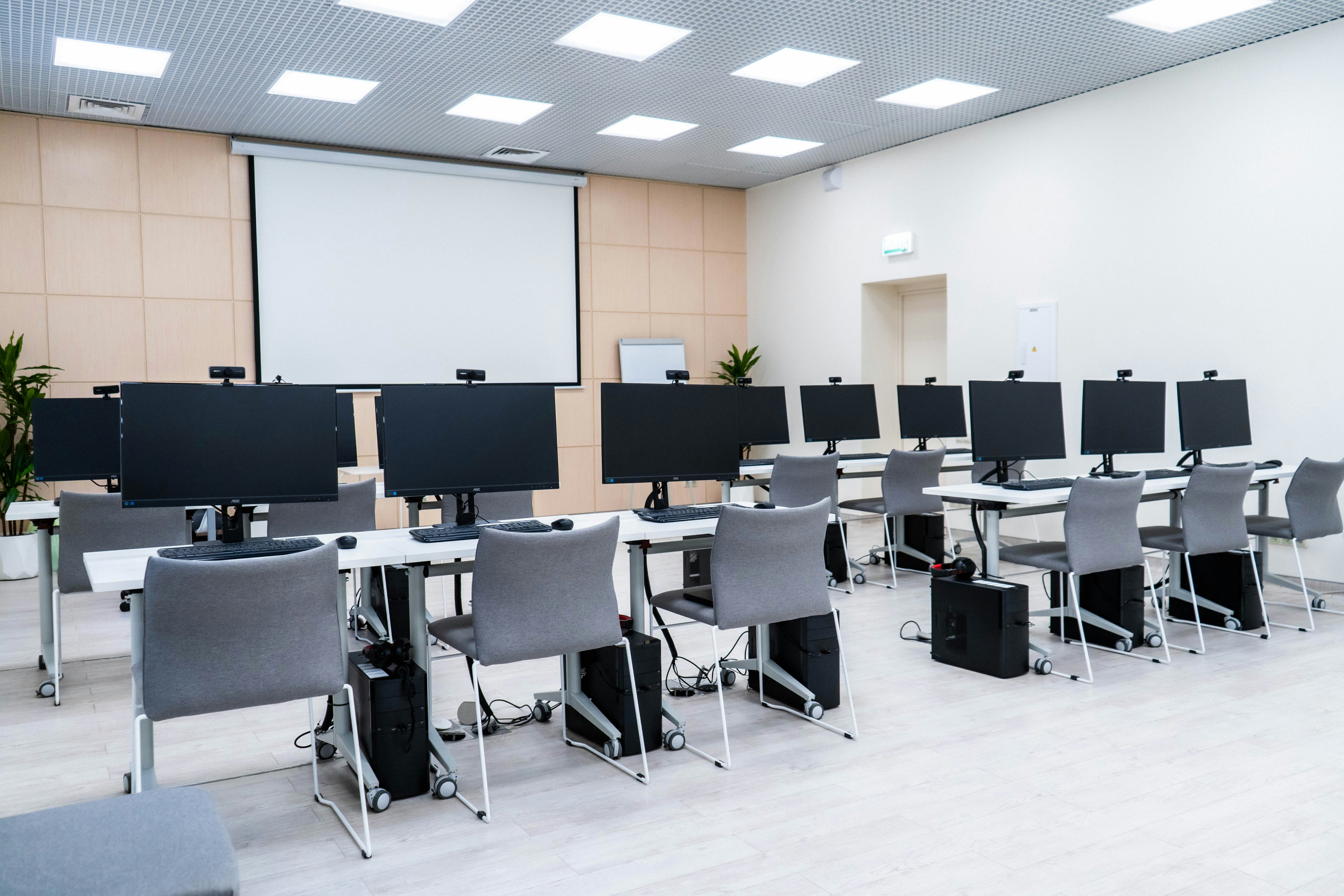
Practical Training: Hands-on practice to build real-world skills for jobs, freelancing, and daily computer use.
Key Features
- Step-by-step easy training designed for complete beginners.
- Real computer practice with MS Office and daily use tasks.
- Get a completion certificate to boost your CV and job opportunities.
Why Choose This Course?
Learn strong computer basics and essential digital skills for daily use and office work.
Build in-demand computer skills that help you get better job and career opportunities.
Perfect for beginners as well as learners who want to improve their computer knowledge.
Flexible learning with practical training on MS Office, typing, and computer operations.
Get Certified: after completion to boost your CV and professional profile.
